Trusted by creative teams

The AI workspace that gives you full creative control

Create, refine, and deliver faster with 30+ leading AI models. From pre-production to post-production, control every frame, style, and workflow.

TrendyFlow is an AI creative workspace with a node-based canvas for image generation, video (including Seedance), UGC templates, and brand-consistent pipelines — so teams ship campaigns without hopping between tools.

Upload plan node

Upload Plan

1 · Plan

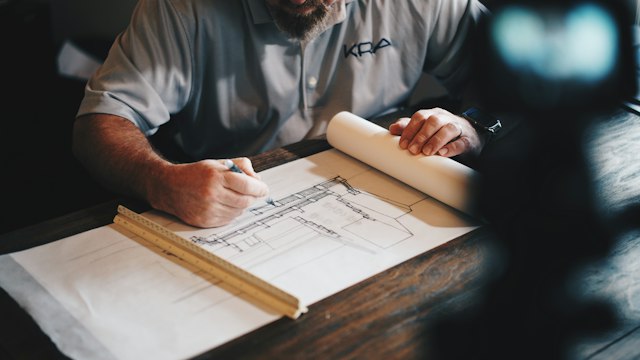
Floor plan
Nano Banana Pro node

Nano Banana Pro

3 · Generate

Idle
Waiting for prompt
Prompt node

Prompt

2 · Prompt

Best AI tools all in one place

GPT Image
GPT Image

AI image generation & editing

  • Product edits, background swaps, and layout-aware comps
  • Natural-language variations without leaving the canvas
  • Inpainting and refinements for campaign-ready stills
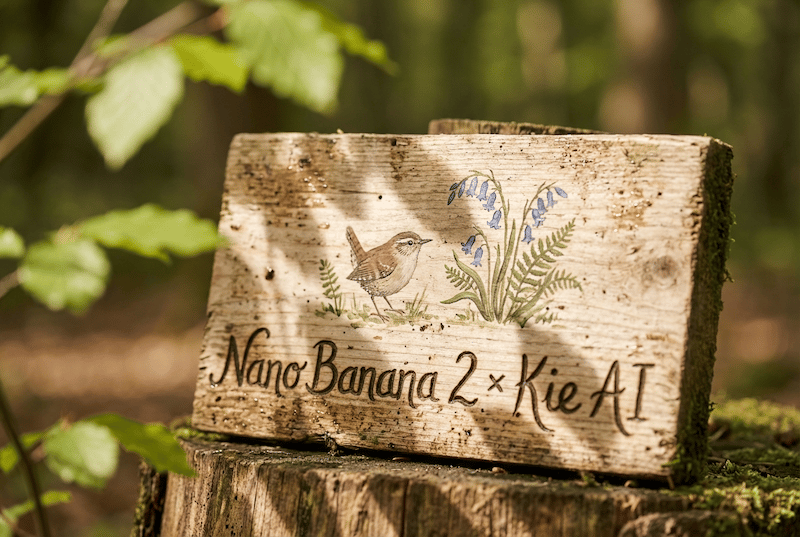
Nano Banana 2
Nano Banana 2

Fast reference-driven image generation & edits

  • Quick style swaps and object replacement from references
  • Social-ready stills when you need many directions fast
  • Storyboard frames paired with motion models
Nano Banana Pro
Nano Banana Pro

Hero shots, packaging & brand-critical frames

  • Product scenes, key visuals, and premium campaign art
  • Consistent characters and wardrobe across a full series
  • Beauty, fashion, and packshot workflows with tight control
Seedance 2.0
Seedance 2.0

Lite & Pro video animation

  • Animate stills into subtle loops or energetic motion
  • Food, lifestyle, and product clips from a single plate frame
  • Batch variations when you need options, not one-off luck
Seedream 4.5 / 5.0
Seedream 4.5 / 5.0

Image generation & editing

  • High-fidelity still generation for campaigns and catalogs
  • Regional edits and refinements on existing frames
  • Coherent series when art direction must stay locked
Kling 3
Kling 3

Video with sound, elements, first and final frame controls, and up to 15s duration

  • Product demos, hooks, and vertical video with native audio
  • First/final frame controls for guided motion up to 15s
  • Elements and camera moves for narrative b-roll

The library

Pick a workflow. Skip the blank canvas.

Each path is a tuned chain of models, prompts, and steps — opened in your workspace with one click.

Featured

UGC Content

Avatar + product stills → Nano Banana frames → GPT promo line → Seedance clip. Open the template and swap in your brand assets.

Nano BananaGPTTextSeedance

4s

draft Seedance default

14+

demo workflows

30+

AI models

The core creative tools of TrendyFlow

Everything your team needs to produce fast, consistent, and controllable content — connected in one workspace.

Image generation

Characters, products, environments, and styles with control over lighting and composition.

Video generation

Shots, scenes, transitions, and variations with creative direction intact.

Animation & motion

Extend shots, animate stills, and keep characters consistent across frames.

Pipelines (node workflow)

Link models, prompts, and assets into repeatable graphs for batch production.

Style transfer

Carry palette and art direction from a reference across a full asset set.

Templates library

Tuned chains of models and prompts — open in your workspace with one click.

Plus specialized utilities

Video merger

Combine clips, stills, and generations into one clean timeline-ready export.

Prompt optimization / remix

Turn rough ideas into structured prompts, then remix variants without restarting.

Image upscaling

Increase resolution and sharpness for print, OOH, and high-crop deliverables.

Animation & motion

Control motion timing, pacing, and continuity across scenes and formats.

Style transfer

Apply reference lighting, palette, and art direction across a full asset set.

Template libraries

Start from proven model + prompt chains instead of building every workflow from scratch.

We will help you achieve measurable results

4×

Faster concept-to-export for campaign visuals

1 hour

Instead of days for multi-format ad variations

2×

More iterations without leaving one workspace

Use cases

Example demos

The same workflows available in the app — UGC, Seedance video, outfit try-on, interiors, product edits, and more.
Seedance 2.0: Text to Video — Generate cinematic videos from text prompts with controlled camera movements and natural motion. Defaults to a fast 480p draft.
ByteDanceText to VideoVideo

Seedance 2.0: Text to Video

Generate cinematic videos from text prompts with controlled camera movements and natural motion. Defaults to a fast 480p draft.

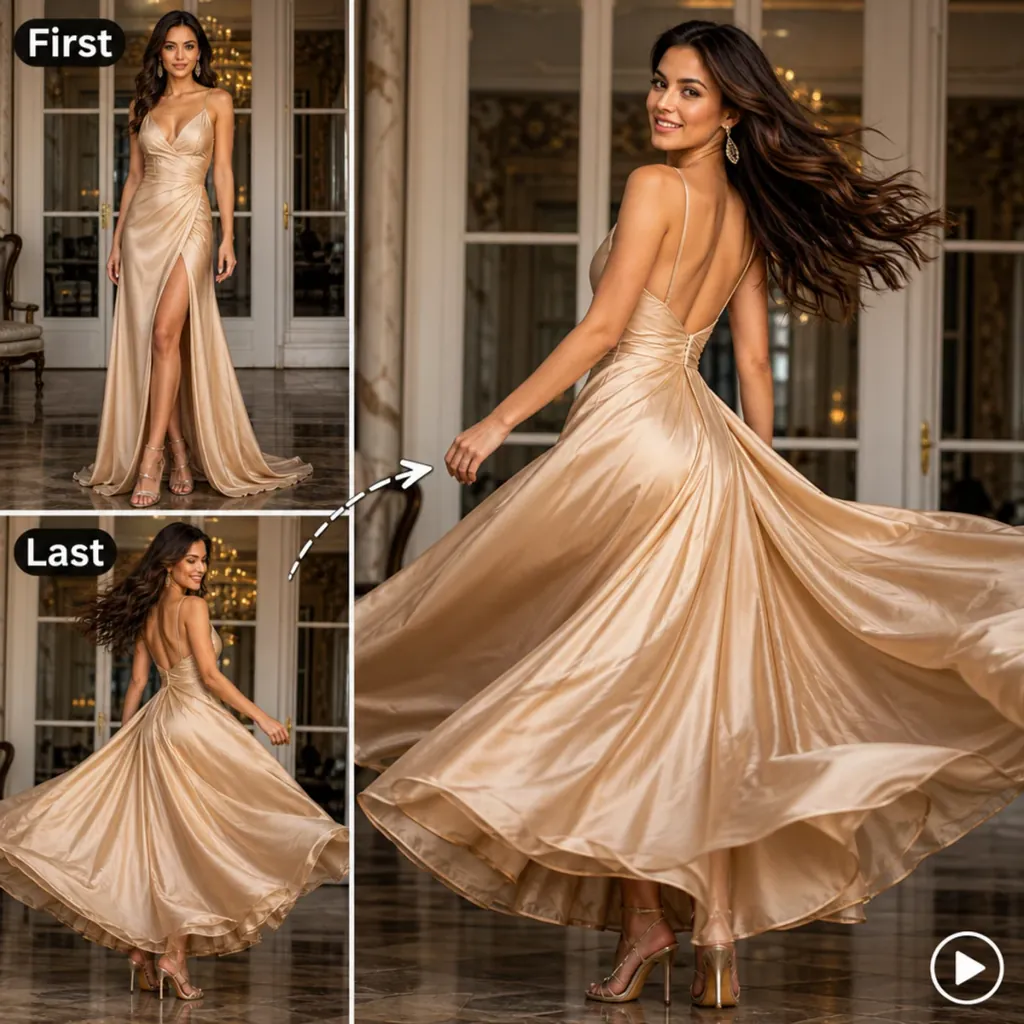
Seedance 2.0: First-Last-Frame to Video — Upload the first and last frames of your video. Generate a high quality video sequence using Seedance 2.0.
ByteDanceVideoFLF2V

Seedance 2.0: First-Last-Frame to Video

Upload the first and last frames of your video. Generate a high quality video sequence using Seedance 2.0.

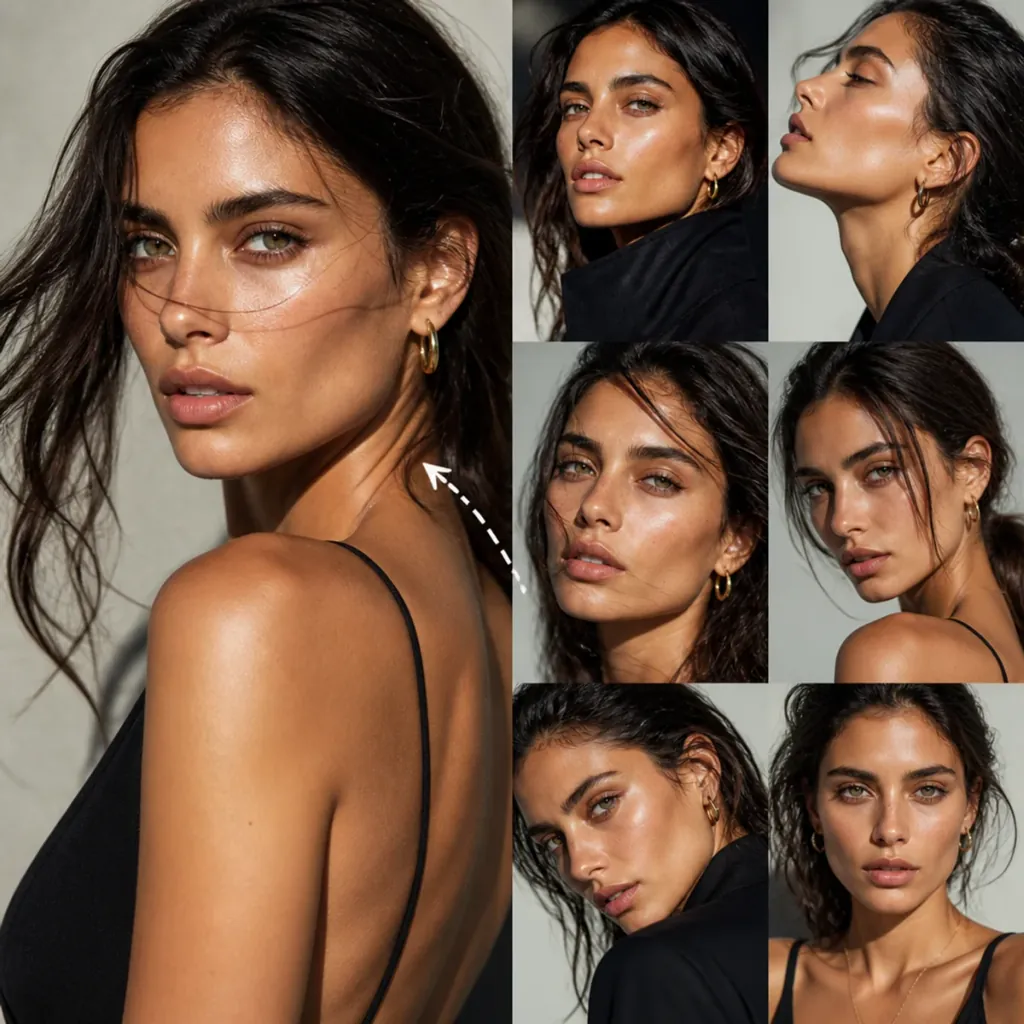
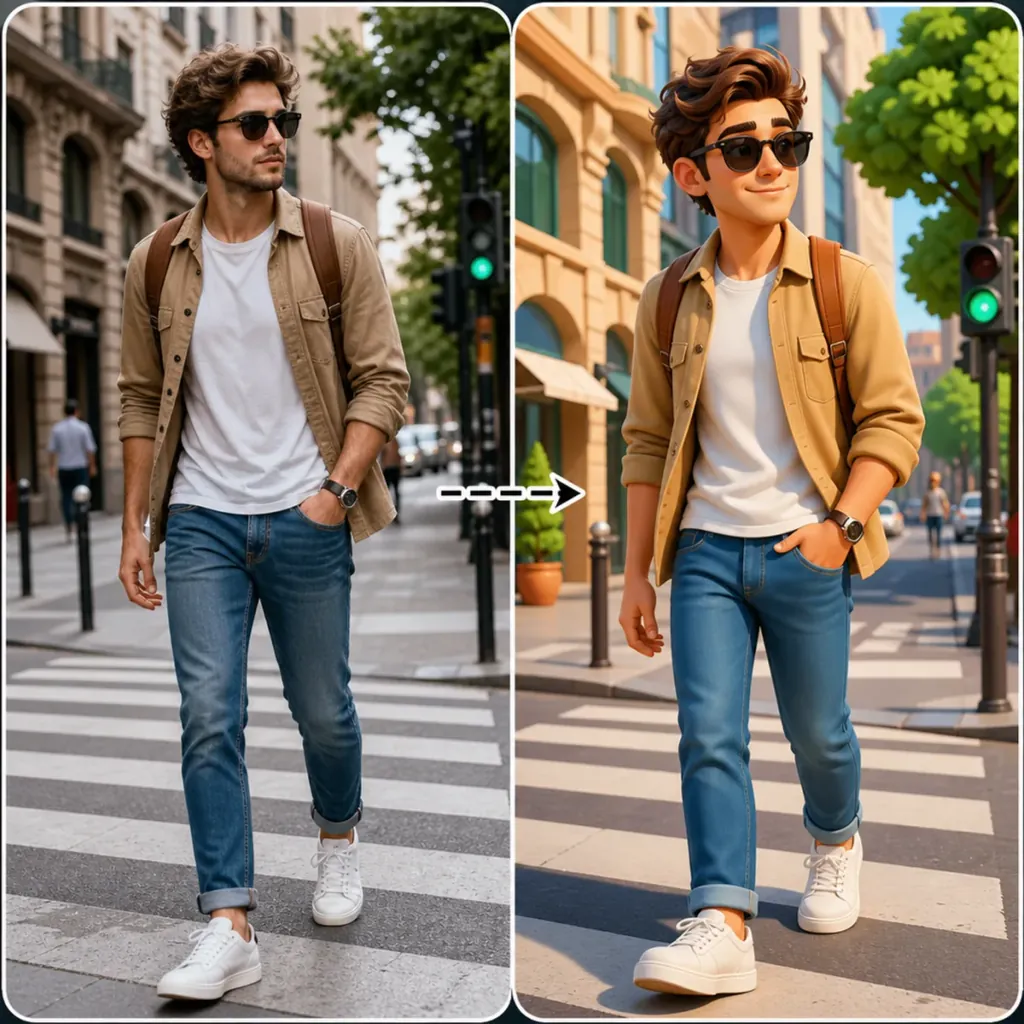
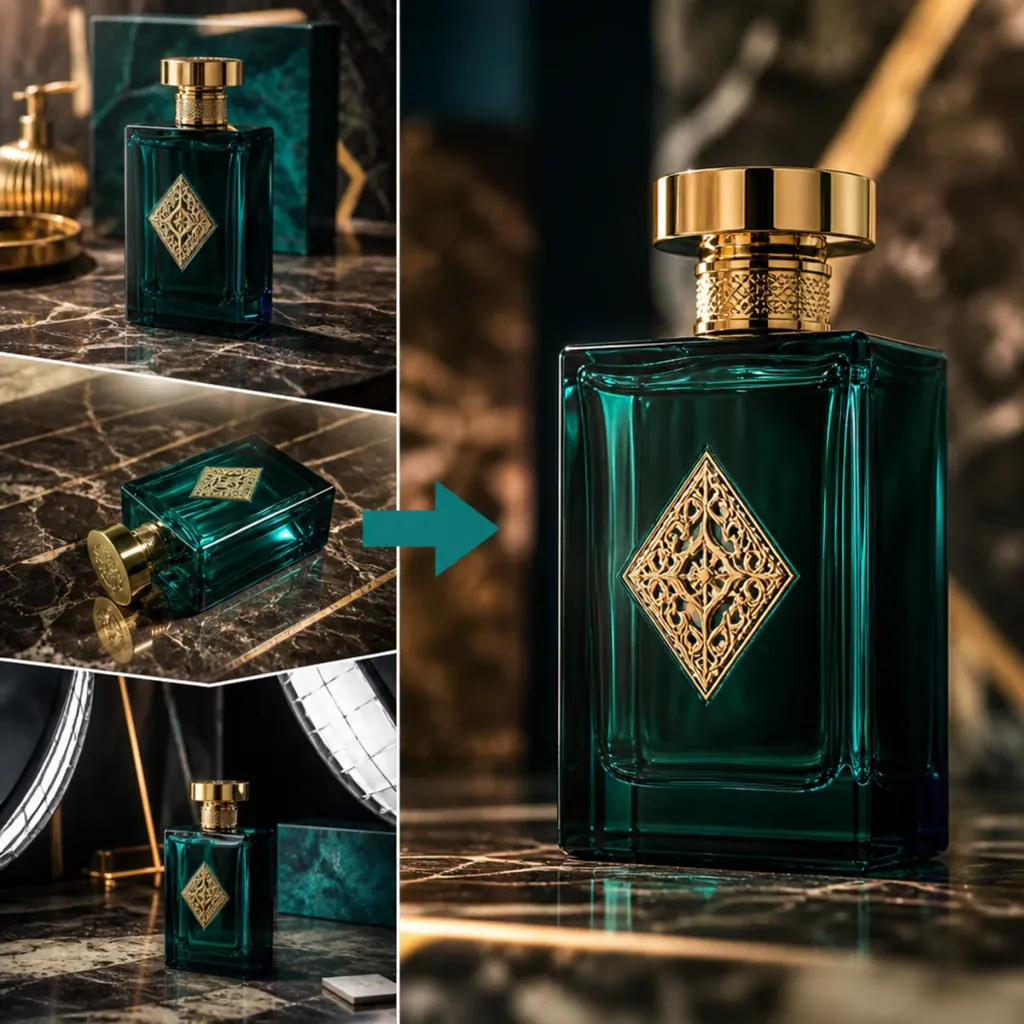
Step 2: Contact Sheet Workflow — Upload the fashion editorial and product image. Generate 8 distinct angle variations using AI image generation.
GoogleVideoImage Edit

Step 2: Contact Sheet Workflow

Upload the fashion editorial and product image. Generate 8 distinct angle variations using AI image generation.

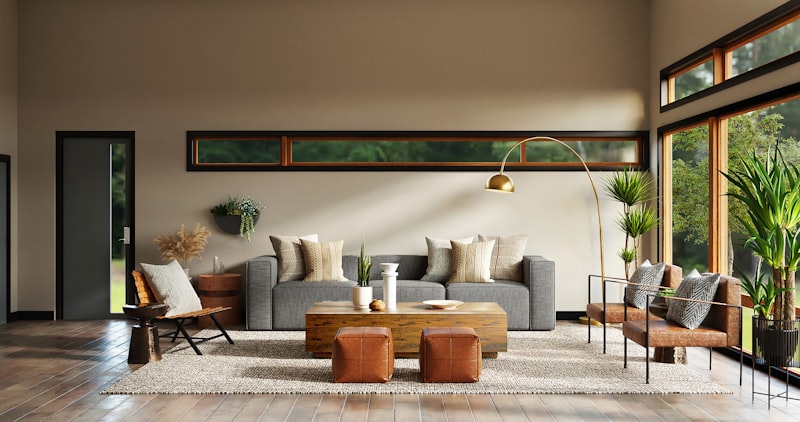
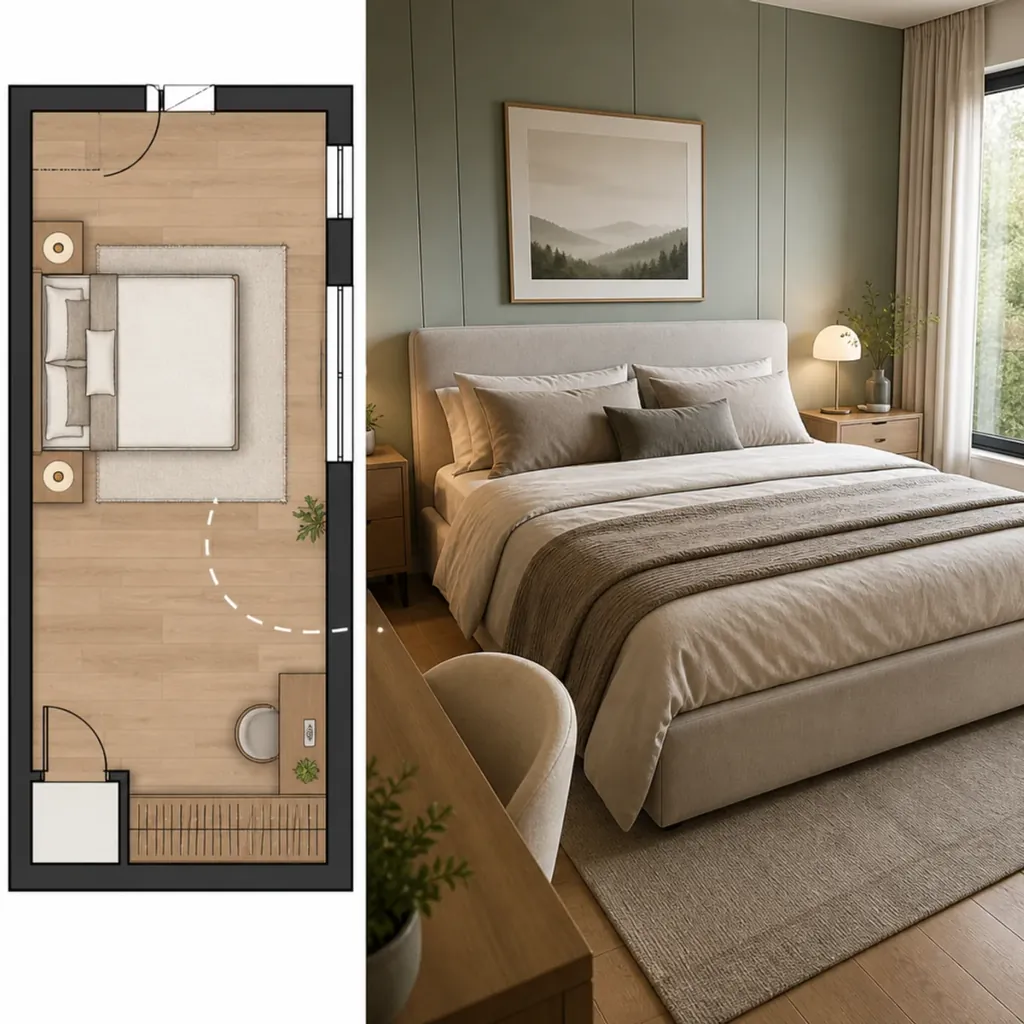
Interior Plan Render — Convert your floor plans into realistic 3D interior renders using a simple room prompt.
GoogleInteriorArchitecture

Interior Plan Render

Convert your floor plans into realistic 3D interior renders using a simple room prompt.

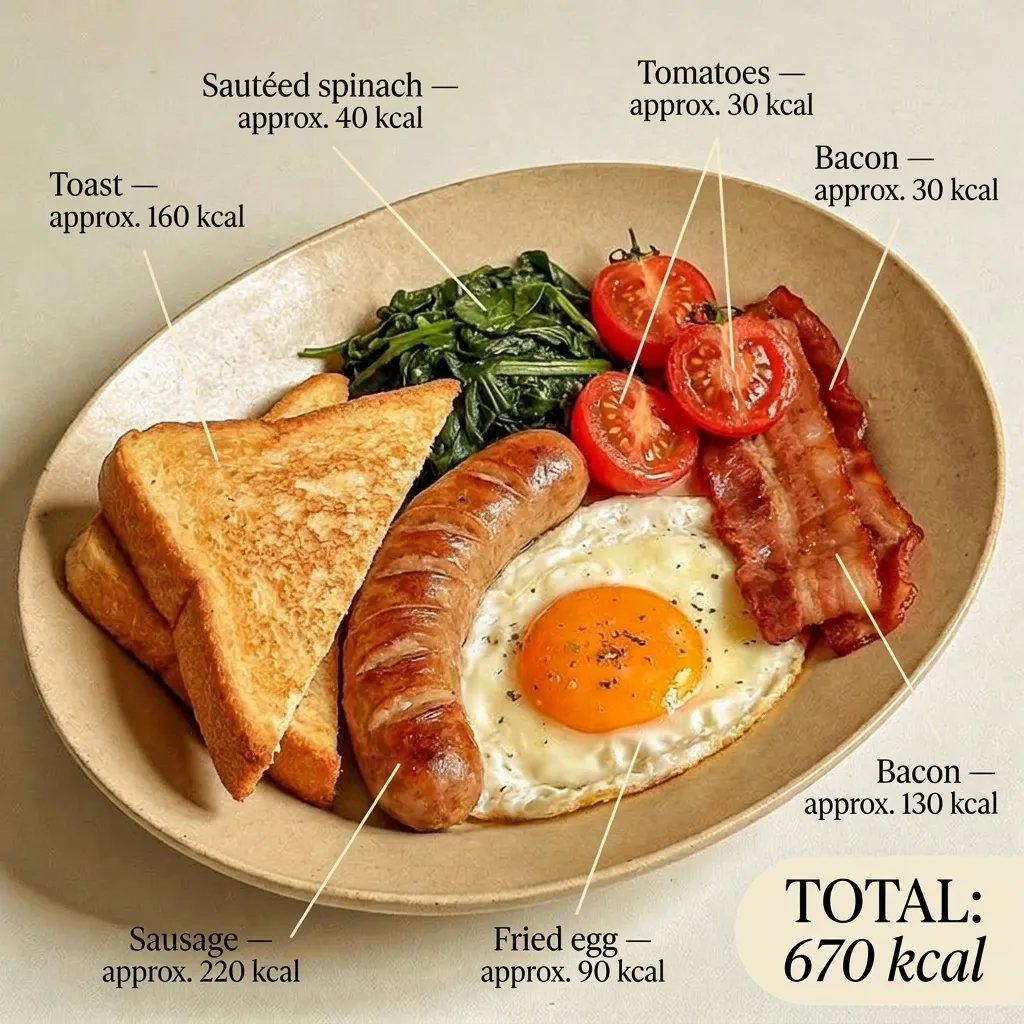
infographics — Transform your images into a professional infographic

TrendyflowInfographicImage Transformation

infographics

Transform your images into a professional infographic

Scene Visuals — Build realistic product scenes from combining separate images
TrendyflowPhotographyIcons & Branding

Scene Visuals

Build realistic product scenes from combining separate images

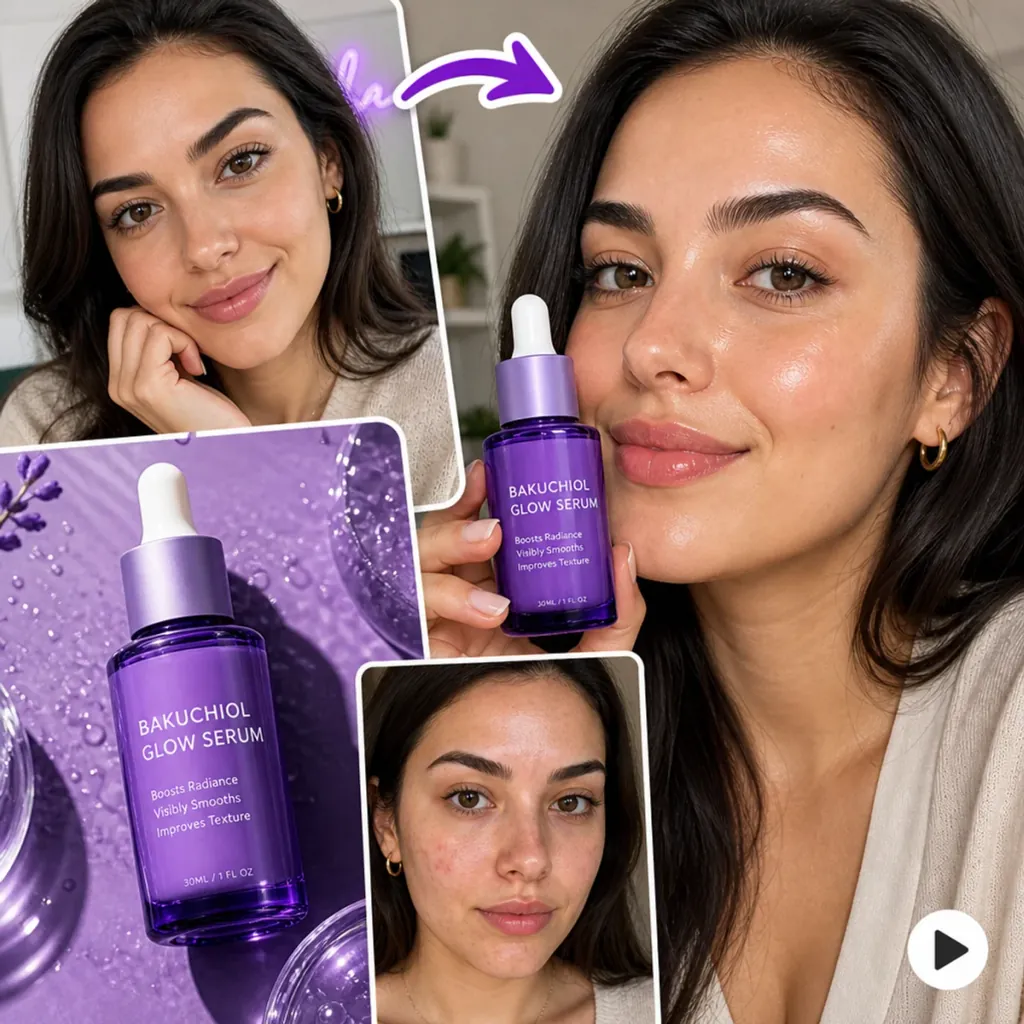
UGC Content — Avatar + product frames into a Seedance UGC clip — with GPTText expanding your promo line.
TrendyflowUGCVideo

UGC Content

Avatar + product frames into a Seedance UGC clip — with GPTText expanding your promo line.

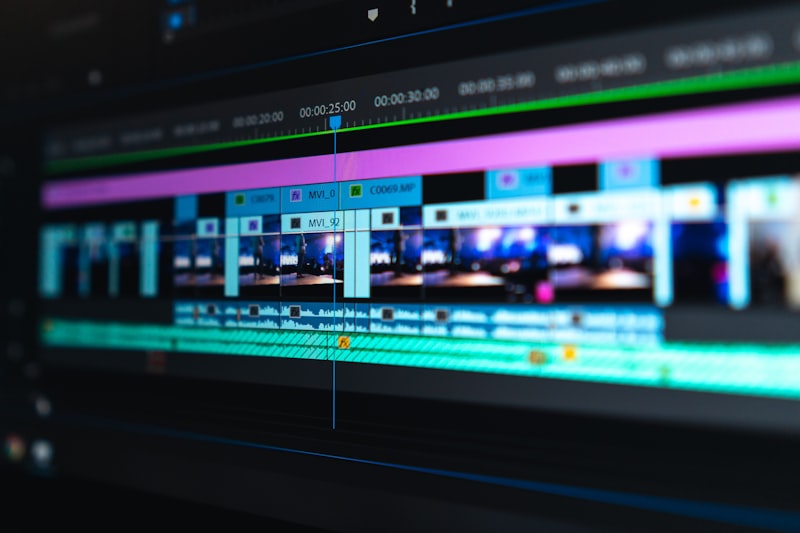
Video Editing — Add your finished video, change the details and apply the style in one click.
TrendyflowVideoEdit

Video Editing

Add your finished video, change the details and apply the style in one click.

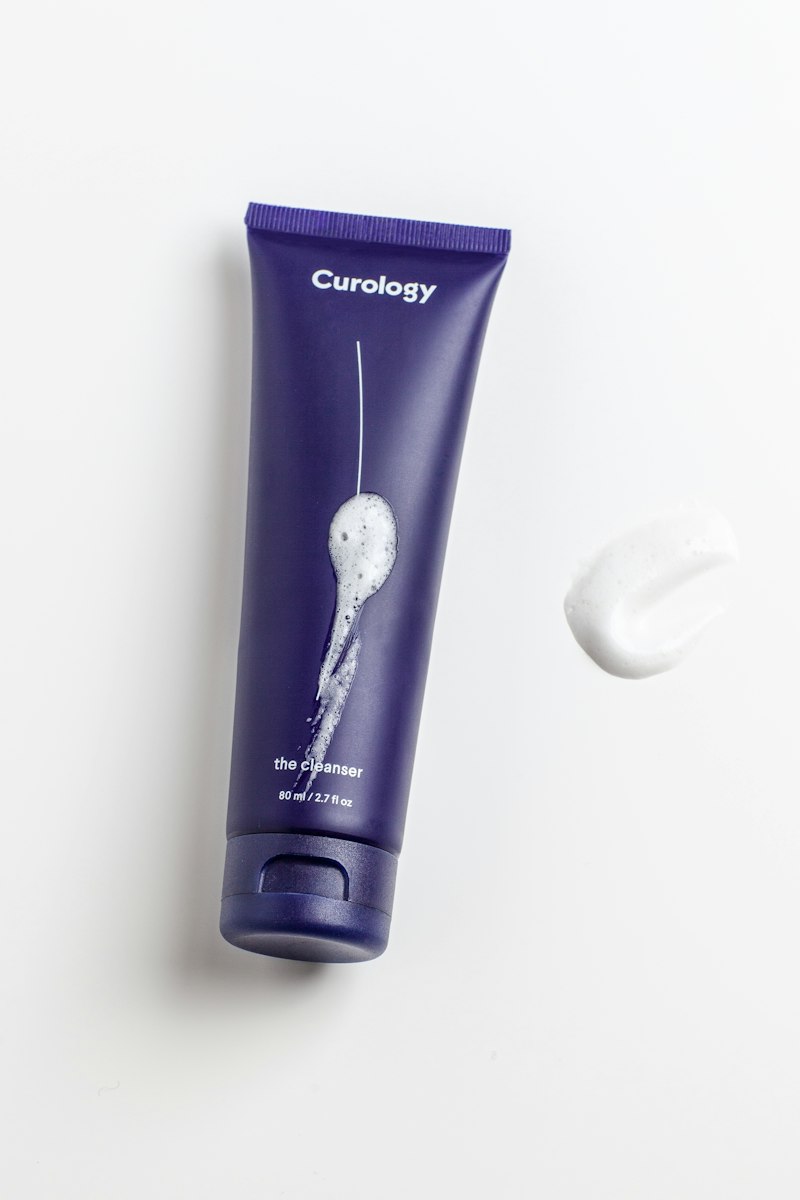
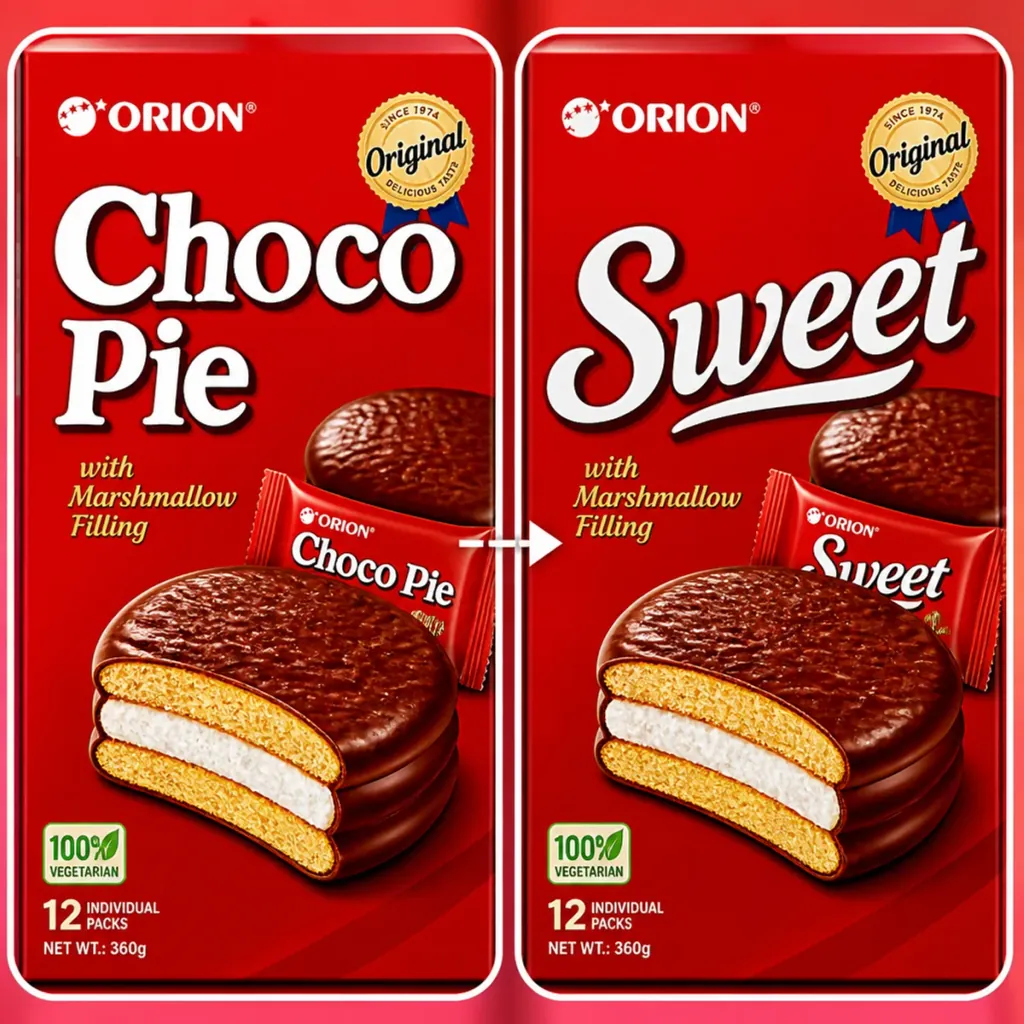
Product Text Replacer — Replace packaging text while preserving the original product photo.
TrendyflowImage EditProduct

Product Text Replacer

Replace packaging text while preserving the original product photo.

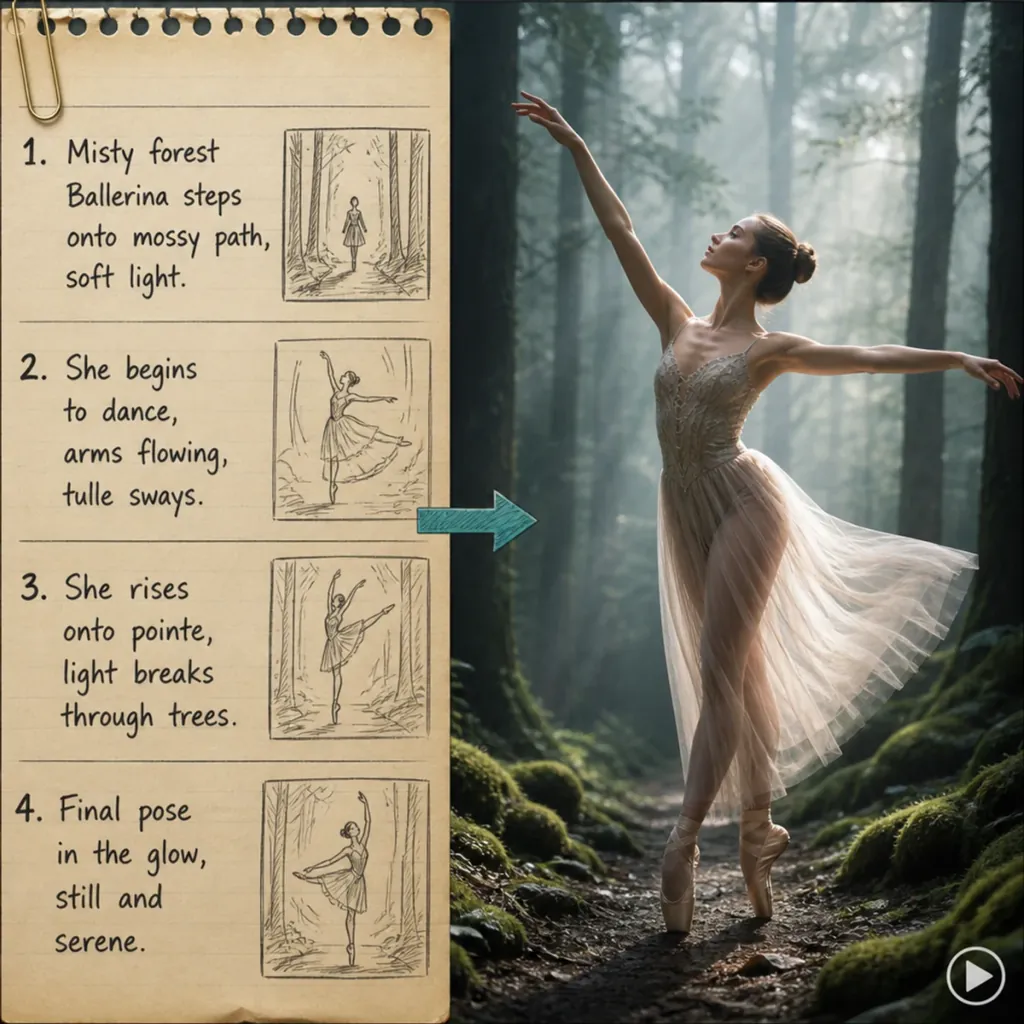
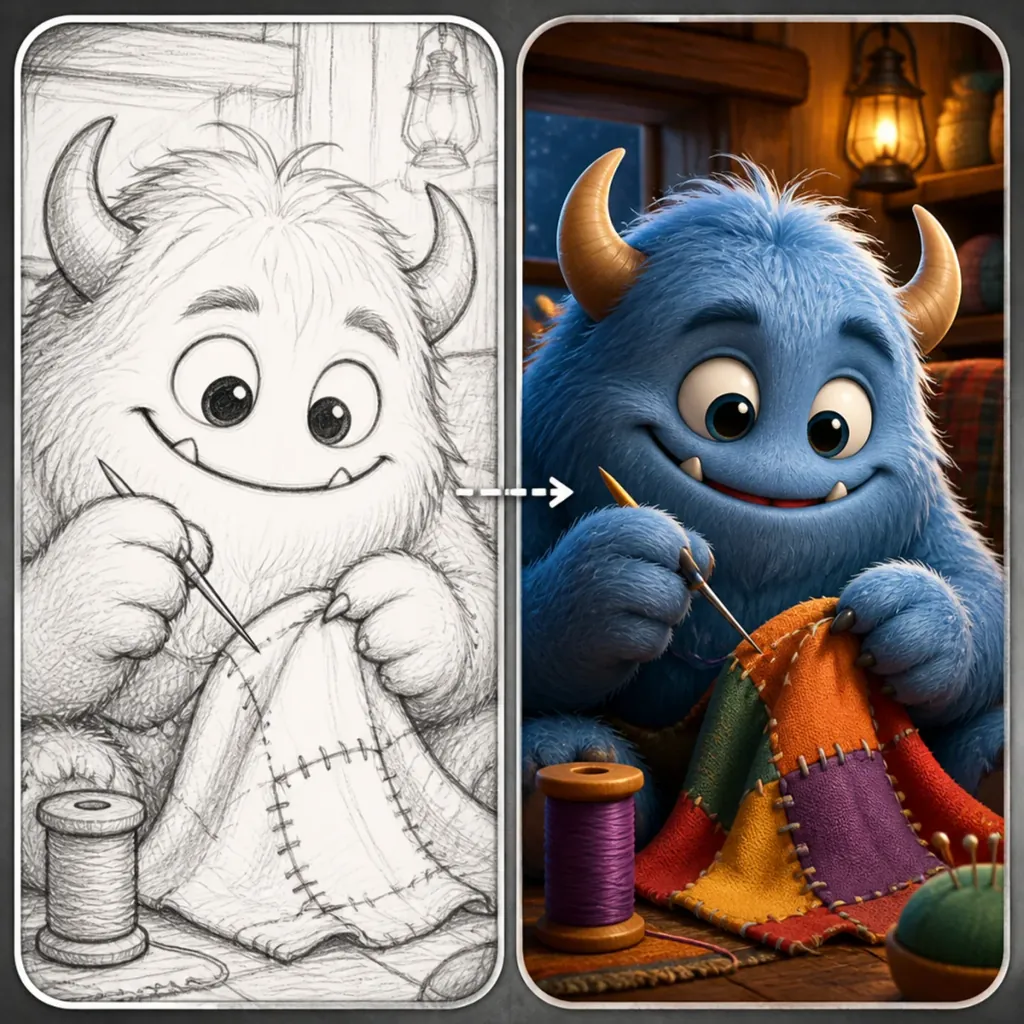
Sketch to Animation — Animate a rough sketch into a short motion clip.
TrendyflowVideoAnimation

Sketch to Animation

Animate a rough sketch into a short motion clip.

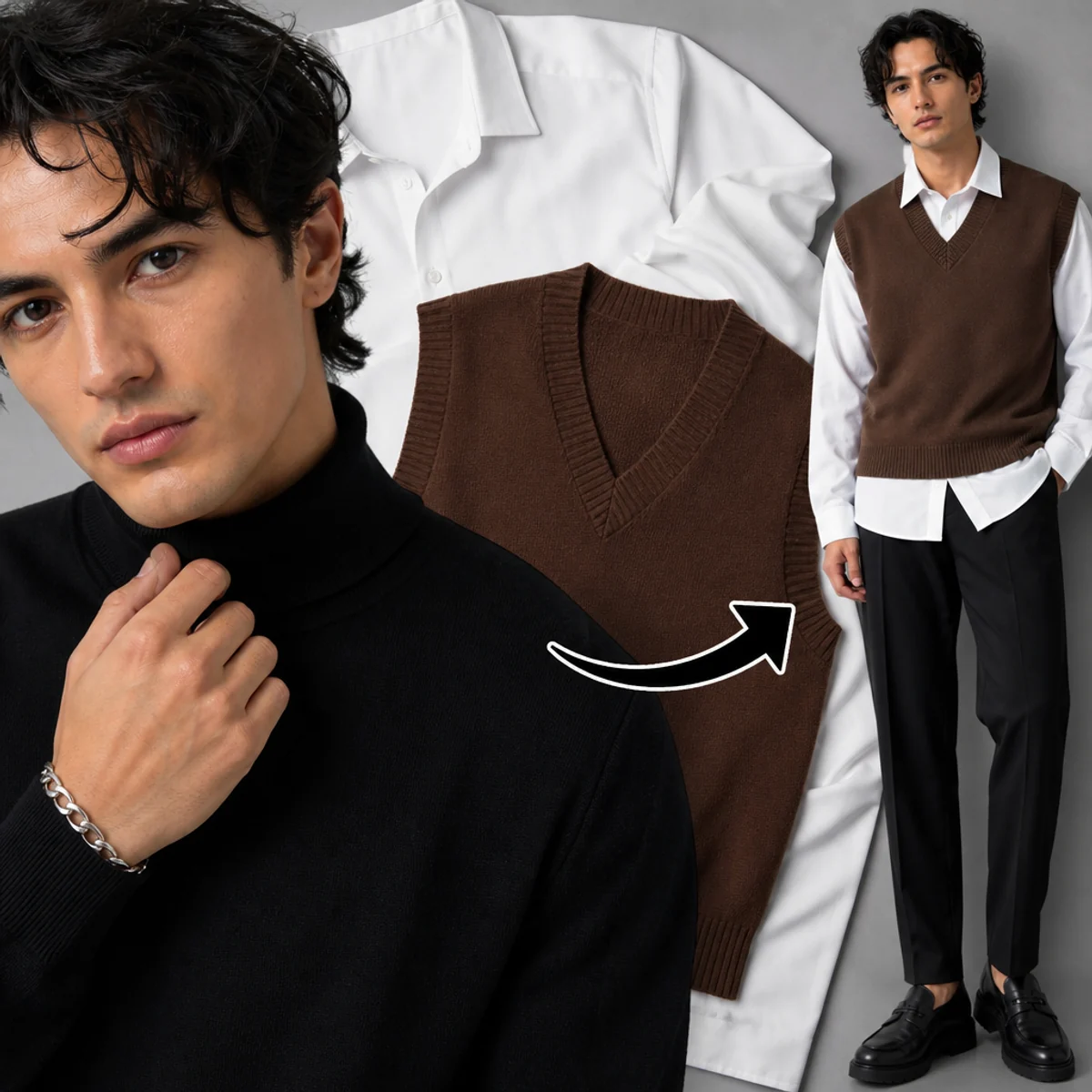
Outfit Try-On — Swap a model’s outfit from a reference garment, then animate a posing clip with Seedance.
TrendyflowFashionImage

Outfit Try-On

Swap a model’s outfit from a reference garment, then animate a posing clip with Seedance.

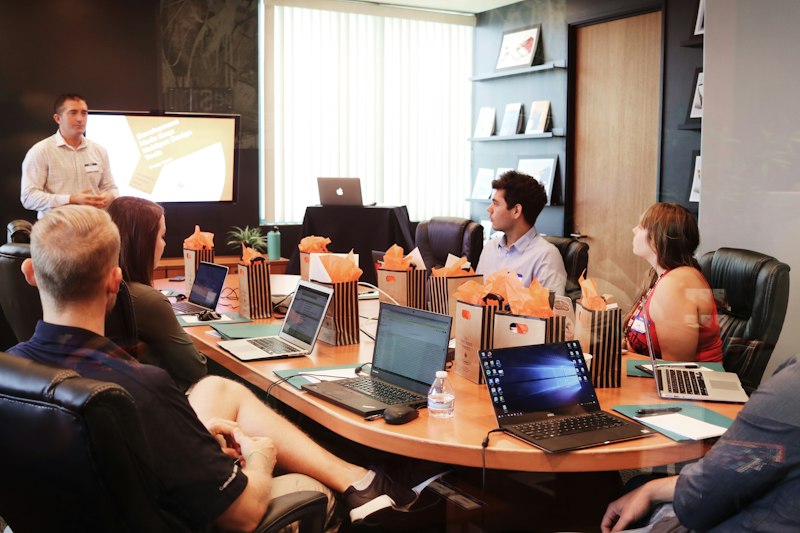
Cinematic product visuals — Generate cinematic hero product visuals with controlled camera motion.
TrendyflowVideoProduct

Cinematic product visuals

Generate cinematic hero product visuals with controlled camera motion.

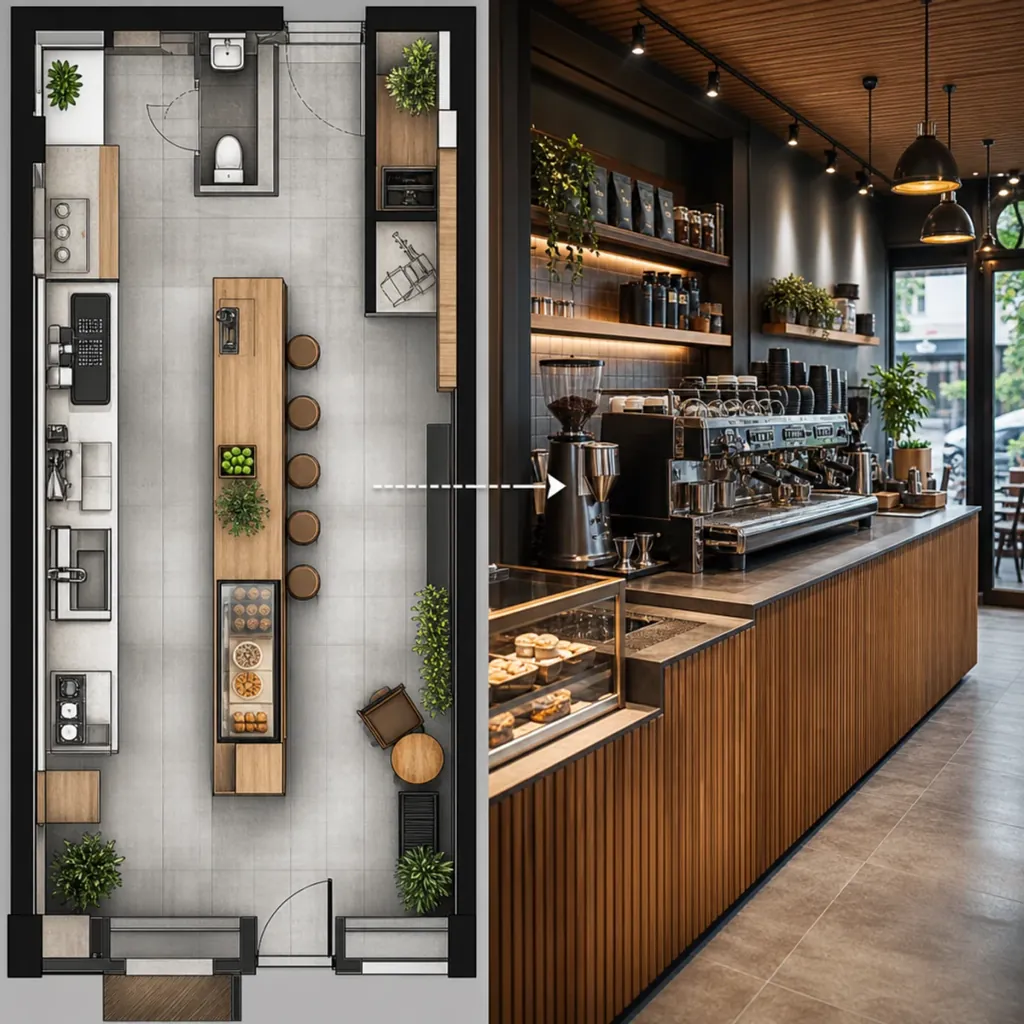
Retail Zone Visualization — Visualize retail zones and in-store displays from a plan or prompt.
TrendyflowRetailInterior

Retail Zone Visualization

Visualize retail zones and in-store displays from a plan or prompt.

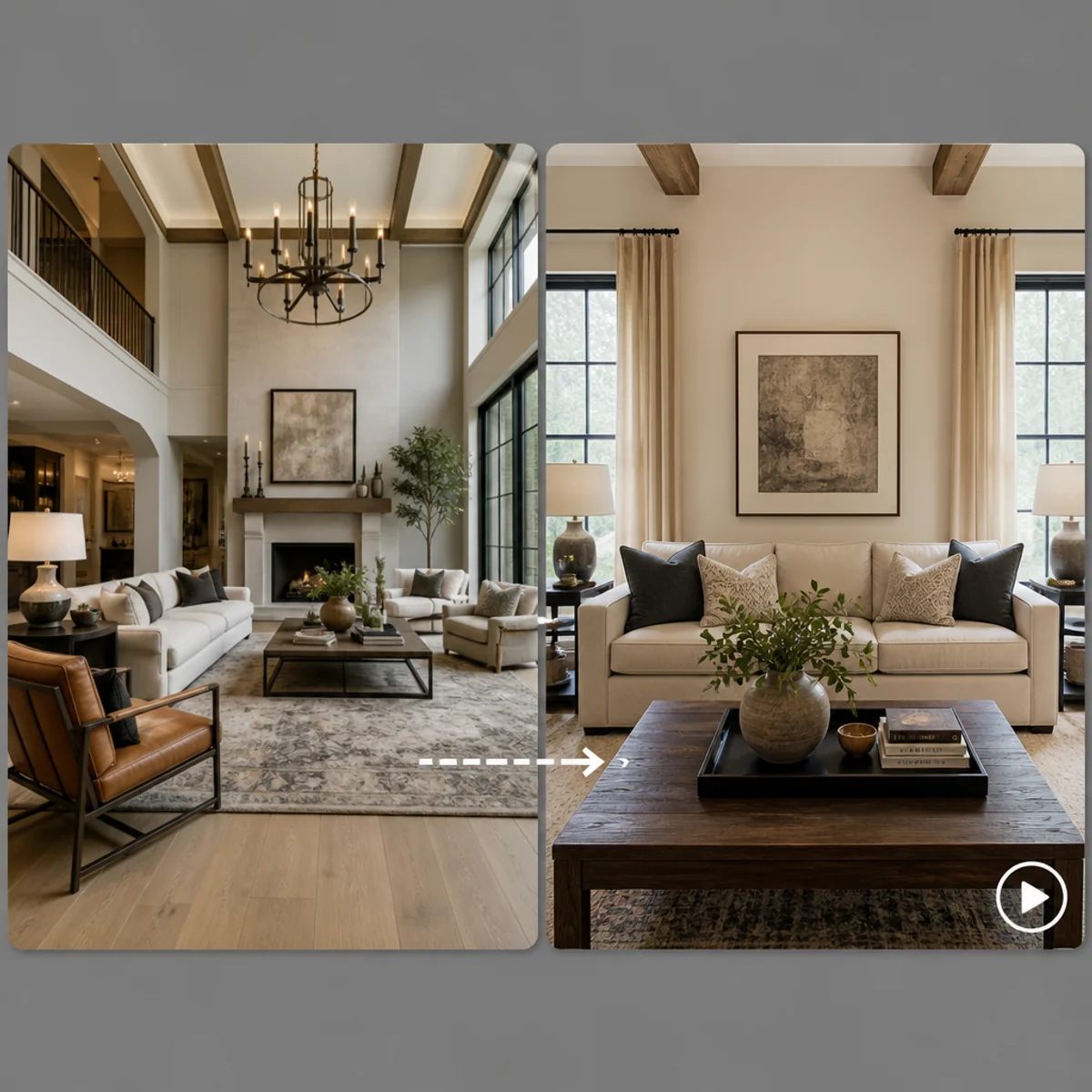
Zoom Room — Reframe a room for a frontal sofa shot, then animate a neat slow zoom with Seedance.
TrendyflowInteriorVideo

Zoom Room

Reframe a room for a frontal sofa shot, then animate a neat slow zoom with Seedance.

Who uses TrendyFlow

Marketing designers

  • Ship campaign visuals, hero images, and ad variations in one session
  • Stay on-brand without waiting on long external production cycles
  • Use templates for social, email, and landing page formats

Design teams

  • Produce images, video, and concepts faster with many models in one workspace
  • Keep styles, characters, and brand visuals consistent across projects
  • Collaborate in shared canvases and reusable pipelines

Interior designers

  • Visualize finishes, furniture, and lighting before install day
  • Swap materials and palettes from reference boards in minutes
  • Present clients with stills and short motion loops they can feel

Real estate businesses

  • Listing hero imagery, twilight exteriors, and amenity highlights
  • Virtual staging and room refresh concepts without a full shoot
  • Short walkthrough-style motion from stills for portals and social

Creators & influencers

  • Generate hooks, scenes, and animations tuned for TikTok, IG, and YouTube
  • Thumbnails, product storytelling, and sponsored segments on deadline
  • Lock a personal aesthetic or character across every format

Video editors

  • Generate AI shots, transitions, and b-roll that match the edit
  • Extend scenes with start/end frames and motion tools
  • Node workflows for batch variations and consistent grade direction

Brand designers

  • Style-consistent packaging, product, and brand-shoot directions
  • Controlled style transfer so every asset reads as one system
  • Custom templates and pipelines for repeatable brand content

Why TrendyFlow?

Precision over your AI results

Stop settling for generic outputs. TrendyFlow lets you shape every detail — visual style, mood, task parameters, reference images, brand guidelines, and generation settings — so the AI produces exactly what you envisioned, not just something close.

Every AI tool you need, under one roof

One TrendyFlow subscription unlocks 30+ cutting-edge AI models purpose-built for any creative task: image generation, video production, text creation, smart editing, upscaling, workflow automation, and custom pipelines. No more tool-hopping.

Real people, real help

Got a tricky brief or a workflow idea you're not sure is possible? Our team responds fast, digs into your actual project, and guides you through building AI pipelines that work — step by step, not just a link to a help article.

Brand consistency, trained by you

Feed TrendyFlow your brand guidelines, existing assets, and visual examples, and get AI-generated content that actually looks like your brand — consistent across every campaign, channel, and format.

The world's best AI models, no account juggling

Access top-tier models like Sora, Veo, Seedream, Kling, Flux, and more through a single TrendyFlow login. Skip the individual subscriptions, billing headaches, and corporate compliance hurdles.

Our mission — help your team get real value from AI

TrendyFlow isn't just a platform — it's hands-on partnership for adopting AI in real workflows.

Onboarding around your use cases

We map your real deliverables — banners, UGC, motion food, carousels — and show how to run them faster with TrendyFlow, not generic tutorials.

Ready-to-use workflow starting points

Demo paths and template chains for ads, try-ons, personas, and motion — open in the editor and adapt to your brand in minutes.

Personal support that teams feel

Fast replies, real humans, and step-by-step help building pipelines — not just links to docs.

Our philosophy: intelligence amplified

The future belongs to teams who combine human creativity with machine intelligence.

  • Humans bring context, taste, and brand judgment.
  • AI brings speed, consistency, and infinite variation.
  • TrendyFlow sits at the intersection — multiplying output without losing creative control.

Frequently asked questions

Straight answers about TrendyFlow for teams evaluating AI creative tools.

What is TrendyFlow?
TrendyFlow is a web-based AI creative workspace. You connect prompts, images, and models in a node graph to generate and refine images and videos in one place.
Which AI models can I use?
TrendyFlow connects leading image and video models in one login — including Google Nano Banana, Seedance for video, and more — so you can build multi-step workflows without separate accounts.
Is there a free trial?
Yes. New accounts receive trial credits so you can open templates, run generations, and explore the editor before buying a credit pack.
What templates are included?
Ready-made workflows for UGC content, Seedance text-to-video, outfit try-on, interior plan renders, product text replacement, video editing, and more — open them in the app with one click.

Ready to ship your next drop?

Open the editor, pick a template, and connect the models your brief needs.